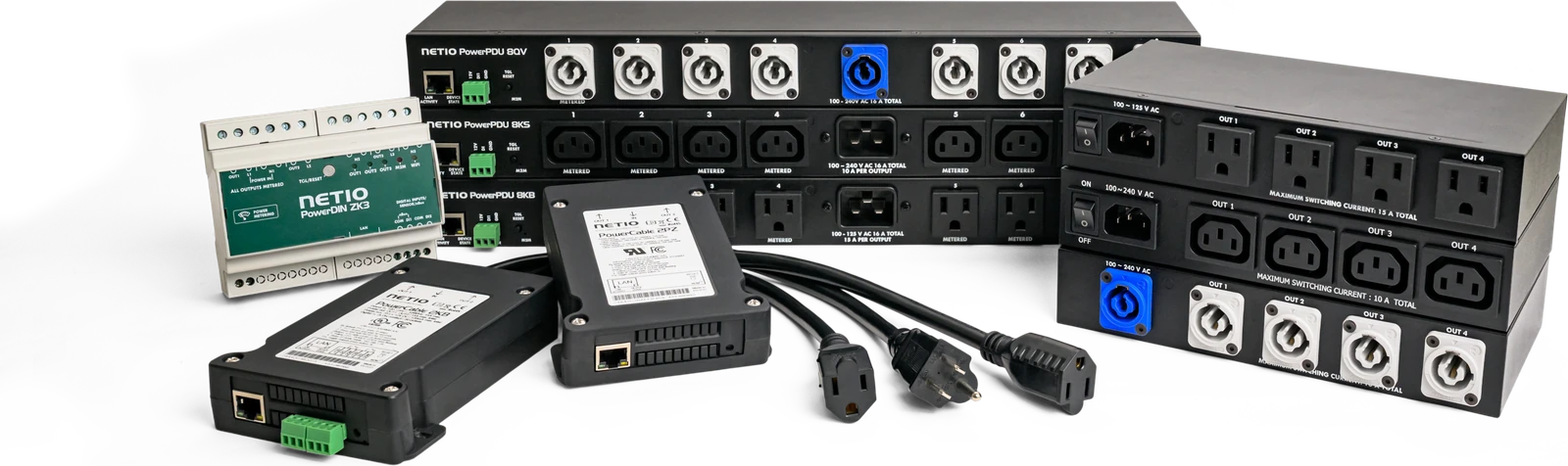
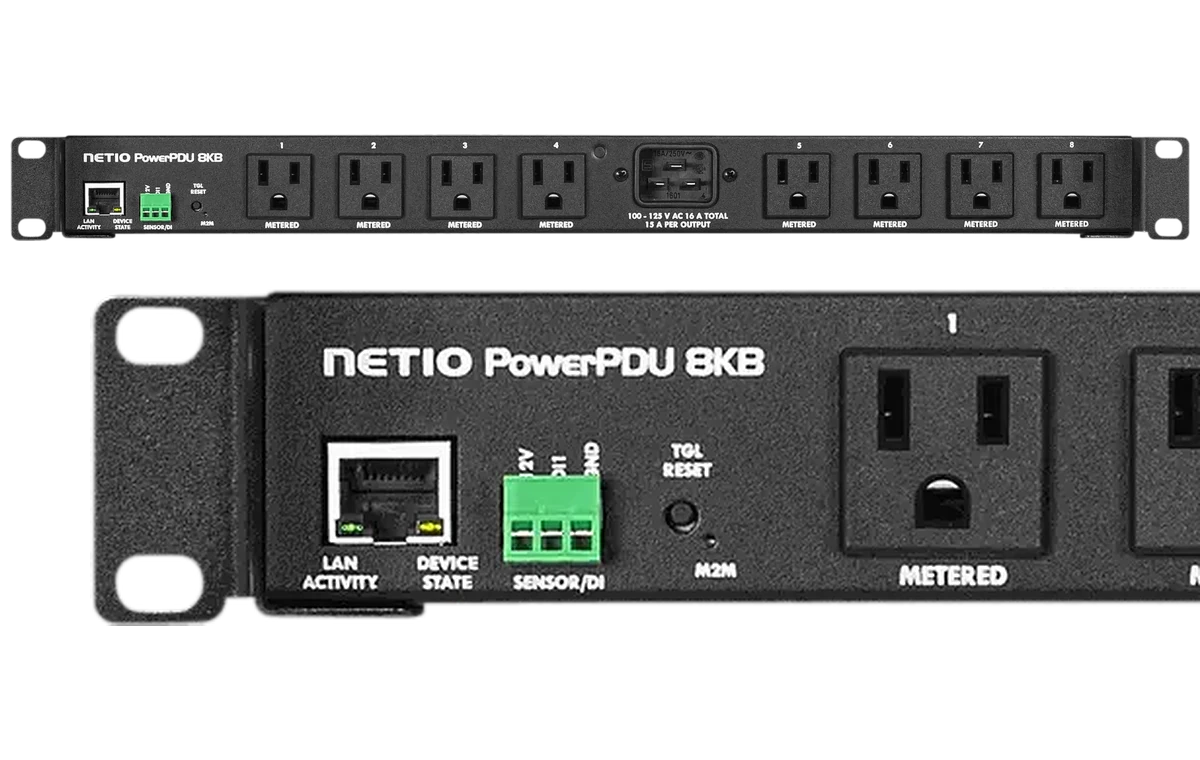
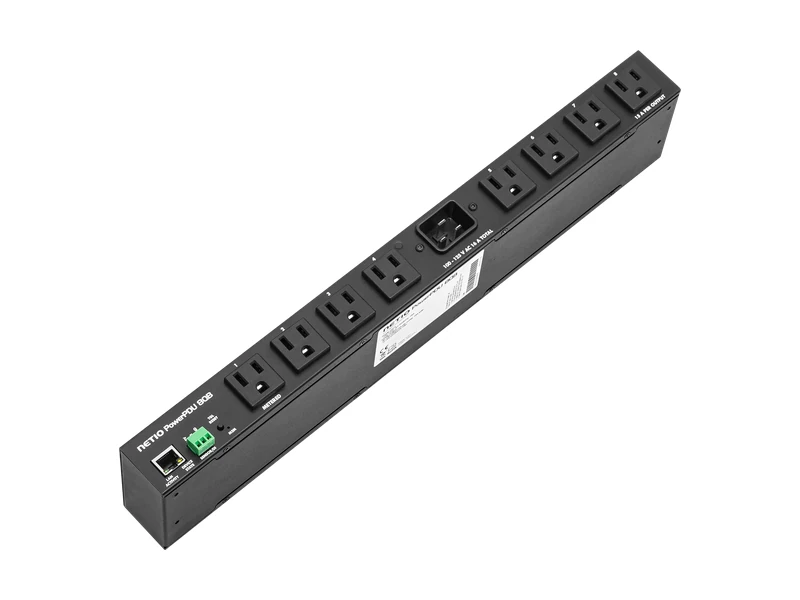
PowerPDU 8KB
8 remotely controlled and individually metered outlets in a 19″ rack PDU. LAN and open API for seamless integration.

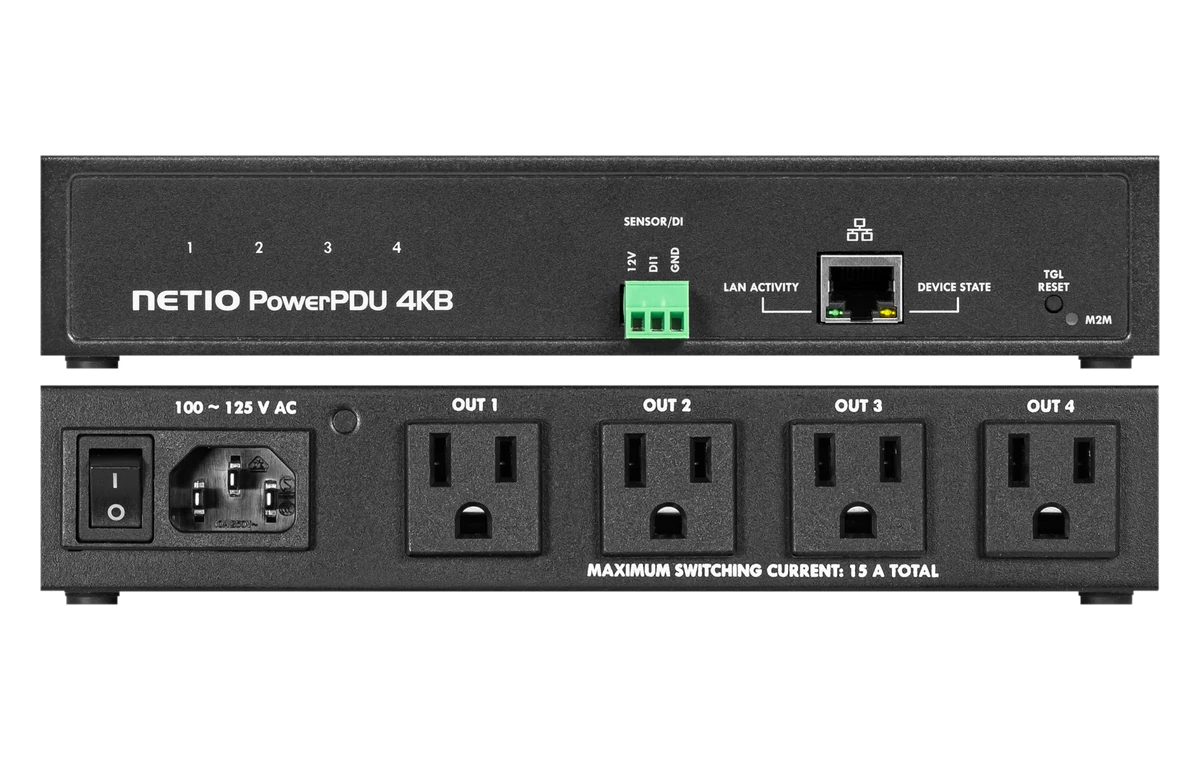
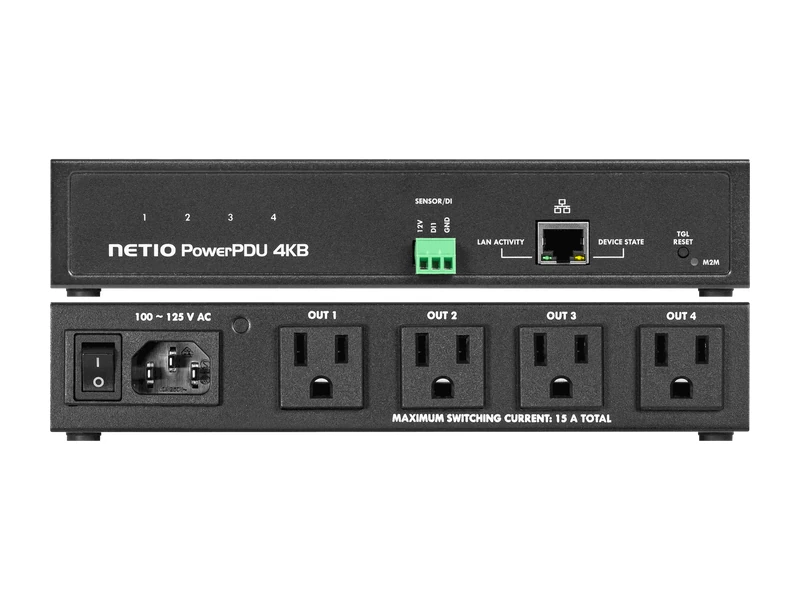
PowerPDU 4KB
The best choice for smaller meeting rooms: 4 metered and controlled outlets in a compact half-rack PDU with LAN and open API.
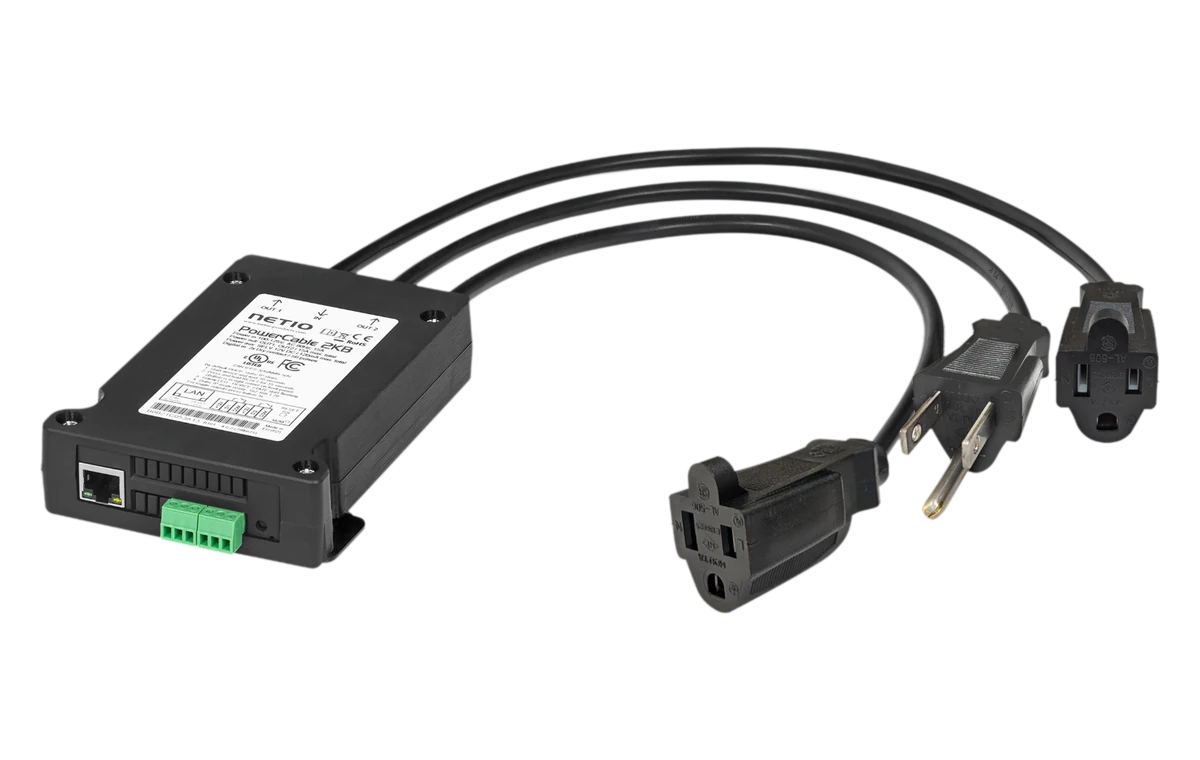
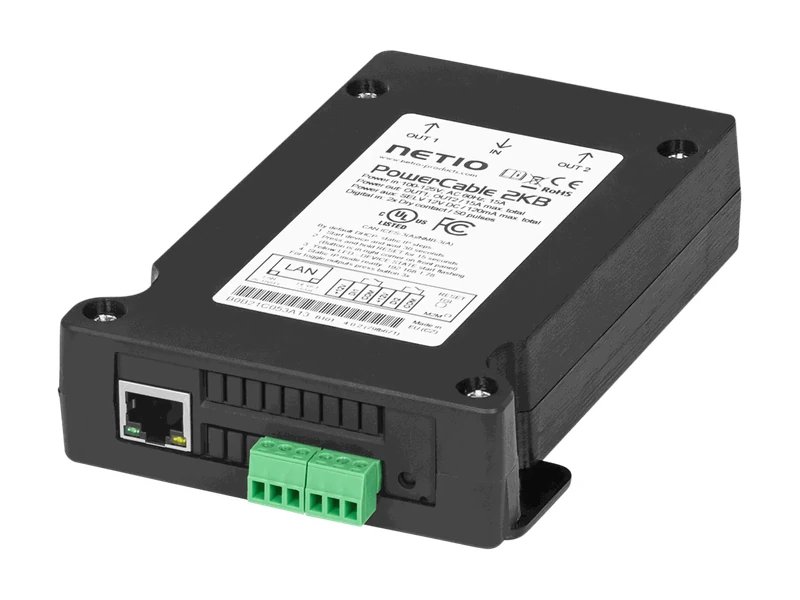
PowerCable 2KB
The perfect solution for digital signage: 2 metered and controlled outlets right behind the display, with LAN, Wi-Fi and open API.
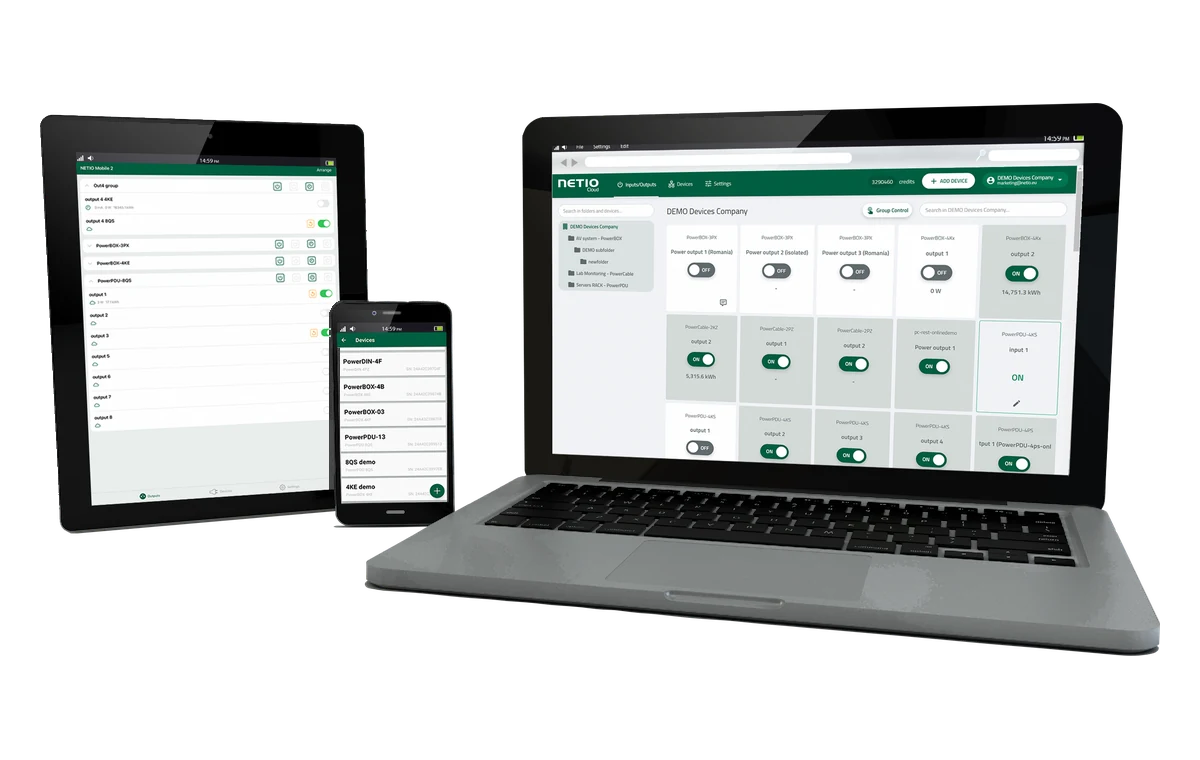
NETIO Cloud
A single pane of glass to control hundreds of locations. On-premise installation available.
Why Customers Trust NETIO
unchanged since the beginning
Every NETIO PDU ships with an engineer. Our technical sales engineers help you design the automation and integration your project needs, from first idea to deployment.
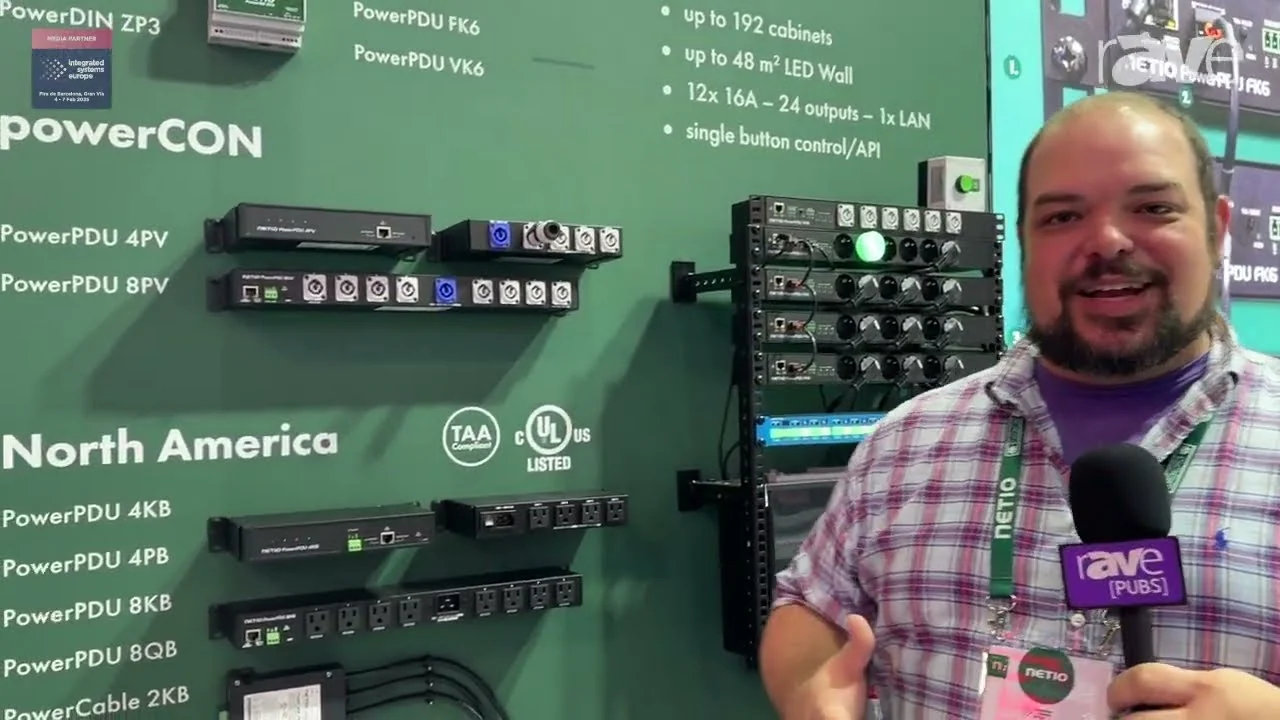
NETIO products in a minute
A quick introduction of the NETIO North America product line, including PowerPDU 4KB, 4PB, 8KB and 8QB, recorded at ISE 2025.
Challenges We Solve

Frozen Devices
Media players, routers or controllers stop responding to your commands.
Automatic Device Recovery
Detects problems and automatically restarts unresponsive devices. Cloud alerts flag connectivity issues for faster troubleshooting.
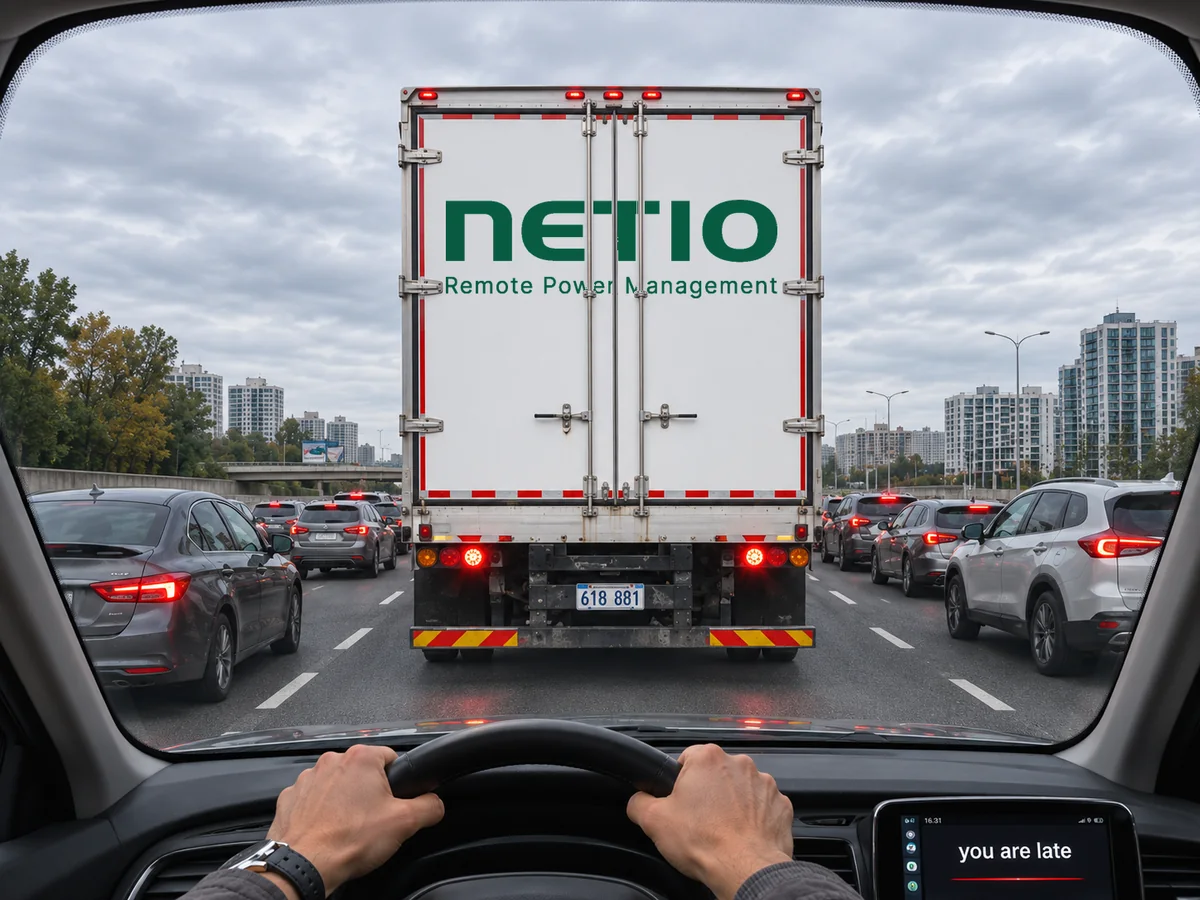
Costly On-Site Visits
Unnecessary site visits increase maintenance costs and delay issue resolution.
Remote Power Management
Switch and restart outlets remotely from a browser, NETIO Cloud, the mobile app or your control system.

Power Up in the Right Order
AV equipment powered on in the wrong order causes audio thumps, instability or tripped breakers.
Intelligent Power Sequencing
Configurable PowerUp delays and outlet states ensure an orderly startup. ZCS reduces inrush current effects on supported models.
Built for Integration
Ready-made drivers and native integrations for the AV, IT and automation platforms you already use.








Also works with
















Open protocols, no lock-in
Every NETIO device supports multiple open protocols, so you can connect it to your own software, scripts or control system.
Why Choose NETIO?
Built by Engineers. Driven by Your Challenges.
European engineering with a personal, hands-on approach.
We listen first
Every project is different. We ask before we recommend.
Engineers on your side
We openly share our know-how, so you can decide with confidence.
Quality that lasts
Czech-engineered hardware made for demanding, long-term use.
Here after delivery
Responsive support from product choice to integration, and beyond.
Engineered for Reliability. Built for Confidence.

European Engineering
NETIO products are designed and manufactured in the Czech Republic, with a focus on industrial-quality hardware, dependable operation, and long-term compatibility.
6-Year Warranty
NETIO backs its products with a 6-year warranty, demonstrating its commitment to exceptional quality and long-term reliability.
UL-Certified & TAA-Compliant
Select NETIO products offer UL safety certification and TAA compliance, supporting professional installations and US government procurement.
Built for the professionals
NETIO works with system integrators and businesses across IT, AV, and industrial applications.
Our solutions make it easier to remotely control, monitor, and manage power — helping reduce downtime, avoid unnecessary site visits, and keep systems running reliably.
Contact Us
Looking for a reliable power management solution? Let's talk!
NETIO Products US Inc., Edgewater, Florida
Find the right NETIO PDU
Frequently Asked Questions
Can’t find your answer? Contact our team — we’re happy to help!
Yes. Most NETIO products include an open API. We are continuously publishing ANxx (Application Notes) that describe how to connect the product to various third-party systems.
Your benefitYou are not locked into one platform. Connect NETIO to the cloud or system you already use, with documented examples to get you started fast. See Open API.
MQTT-flex is a NETIO extension of the standard MQTT protocol. The extension uses a configuration text file to specify the MQTT message structure, the MQTT broker address where messages are sent, and the periodicity. In this way, a complete configuration of the MQTT communication can be transferred in a single text file.
Your benefitYour server receives data in exactly the structure it expects, so you write no conversion code, and the whole setup can be copied to the next device as one file. See MQTT-flex.
To reset the product to factory defaults, press and hold the button next to the RJ45 jack. Keep the button pressed and plug in the product. Still keep the button pressed. About 12 seconds after powering up, the yellow LED flashes 3 times and factory default settings are restored (Load to defaults).
For the current procedure, see the supplied QIG (Quick Installation Guide) for the product. It is available for download on the product page and is included in the product package.
Your benefitRecovery takes seconds on site, with no special tools and no need to ship the device back.
A standard relay switches anytime, at whatever point of the AC wave the command arrives. That is fine for purely resistive loads or a few switchings per day.
ZVS (Zero Voltage Switching) switches the output when the instantaneous voltage is zero. It is well suited to switching power supplies and computer servers, but not to inductive loads such as transformers or motors.
ZCS (Zero Current Switching) closes the relay at zero voltage and opens it when zero current flows through it. It works with all types of loads, reduces the effects of inrush current, lowers the risk of tripping a circuit breaker, extends the lifetime of the relays and of connected power supplies, and reduces electromagnetic interference, even with frequent switching.
Your benefitFewer tripped breakers, a longer life for both the PDU and your equipment, and less interference, so you can switch outputs as often as you need. See inrush current.
Yes. Click the TGL button on the device three times to switch all outputs at once.
On models with a Digital Input (DI), you can also connect an external button, switch or sensor and use Conditions & Rules to define which outputs it controls, for example a day/night mode or a manual shutdown sequence.
Your benefitStaff on site can switch power without a laptop or app, and your own wall switch or sensor can start a whole power scenario directly on the PDU, with no extra controller. See Conditions & Rules.
No. Every NETIO device is standalone and works on your local network through its built-in web interface and open APIs. NETIO Cloud is an optional additional service for managing many devices and locations remotely.
Your benefitYour installation keeps working even without internet. If you add the cloud, you can reconfigure devices at remote sites without a VPN or a site visit. See Remote Config.
There are three options:
- Use a ready-made driver for your control system (AV drivers for Crestron, Control4, Q-SYS, Extron and others).
- Use our Open API (JSON, URL API, MQTT-flex, Modbus/TCP, SNMP, Telnet), described in our application notes.
- Use the libraries and examples published on the NETIO GitHub.
Your benefitPick the path that fits your project: a driver for the quickest setup without programming, or the Open API for full control without driver limitations. See AV drivers.
Really easy. All APIs are well documented. The fastest manual integration we know of, done by Evertz, took just 30 minutes, and with AI-assisted coding it can be even quicker.
Your benefitLess engineering time per project. Thanks to long-term backwards compatibility, your integration keeps working when you deploy newer NETIO models. See Integration.
Yes. NETIO can deliver devices with a custom configuration for your project. Please contact our sales team to discuss your individual case.
Your benefitDevices arrive ready to install, which saves time on site and keeps every installation consistent.
At least twice a year, and usually more often.
Your benefitYour devices keep gaining features and security fixes over the years. Updates take one click in the web interface, and the API stays backwards compatible. See web configuration.